How to adjust layer widths & heights (Walls & Heights panel)
Use the Walls & Heights panel to fine-tune the three layers - Bottom, Middle, and Top (cutting) - in millimeters. Then set your overall cutter size in inches and download the finished model.
Step 1: Open the Walls & Heights panel
Open Walls & Heights. You'll see controls for Bottom, Middle, and Top layers in millimeters. Remember: the overall cutter size is set in inches on the size control.
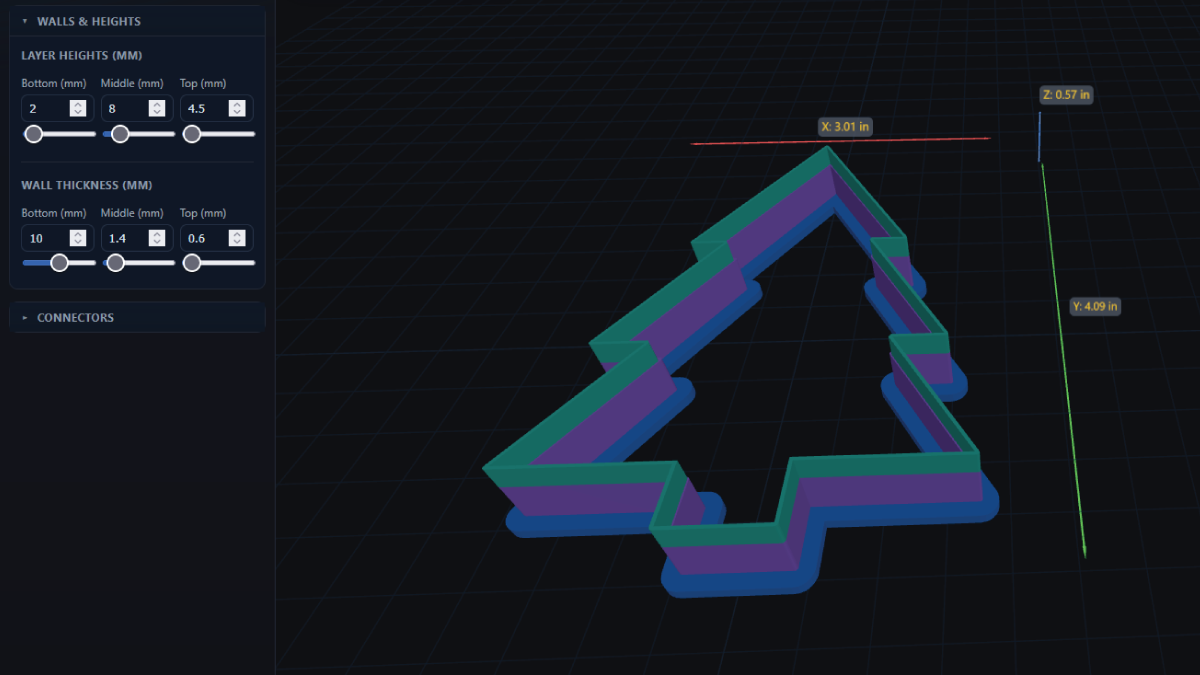
Step 2: Set Bottom, Middle, and Top widths (mm)
Use these starter ranges: Bottom 3-6 mm for a sturdy base, Middle 0-2 mm for optional inner support, and Top (cutting) 0.6-1.0 mm for sharp, easy release. Nudge until detail looks right in the preview - thicker Bottom helps stiffness; thinner Top improves release on sticky dough.
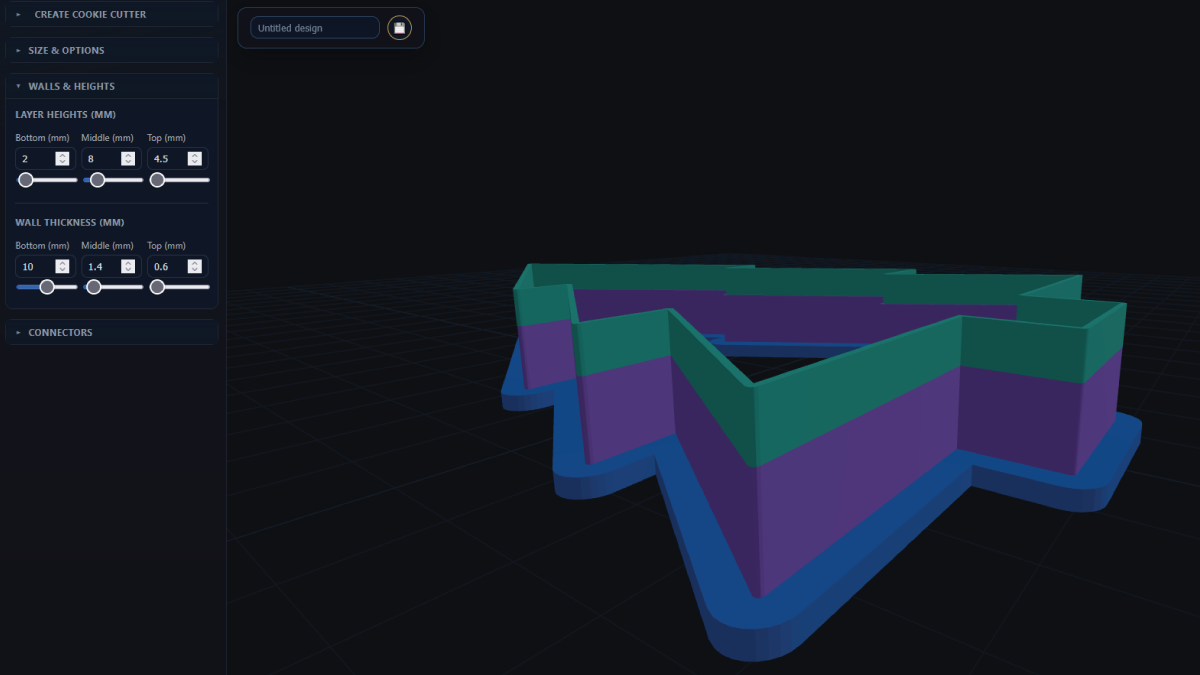
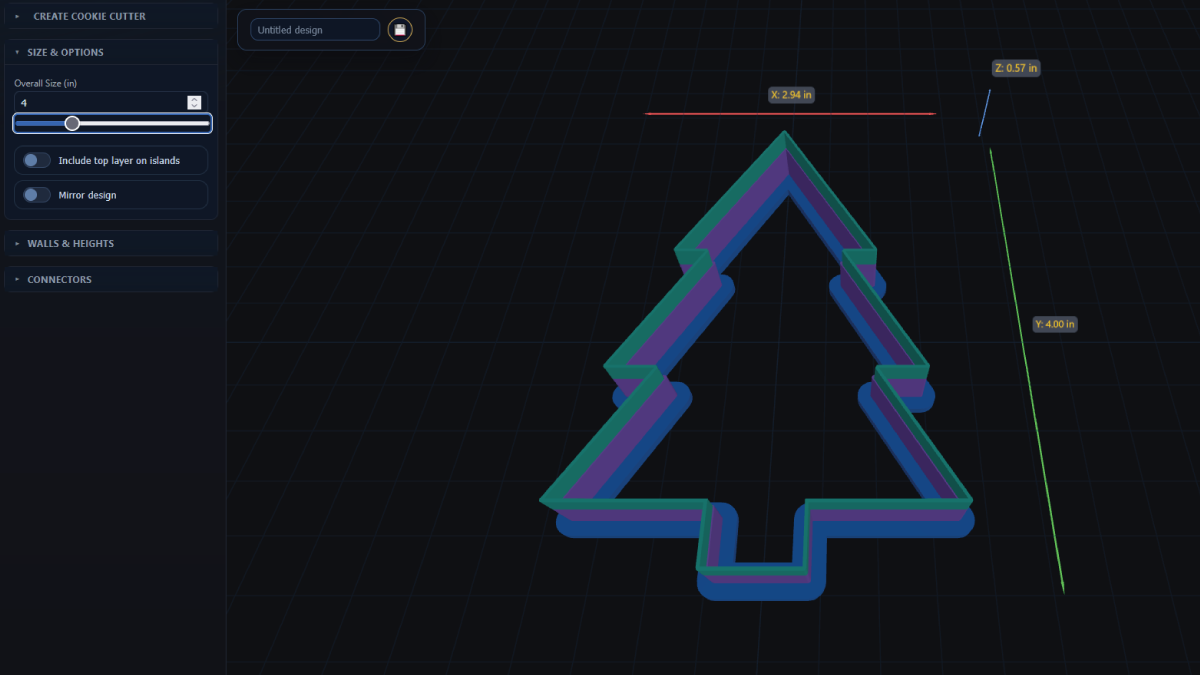
Step 3: Adjust overall size (inches) and review
Set your target cutter size in inches (e.g., 3-4 in). Spin the preview and check edges, text, and tight corners. If fine features look heavy, lower the Top width slightly; if the frame flexes, raise Bottom toward 6 mm.
Step 4: Save and download
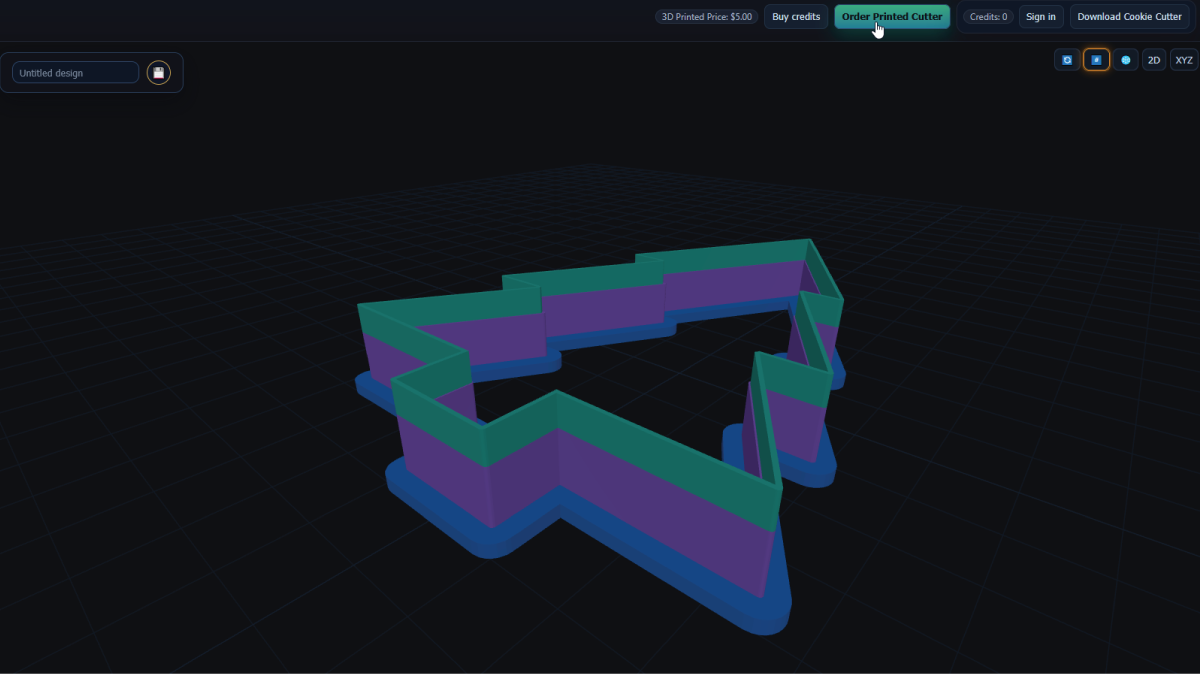
Changes rebuild automatically - there's no Create 3D button. When you're ready, click Save to store the design in your account, or click Download Cookie Cutter to get the STL (uses 1 credit).
FAQ
What ranges should I start with?
Bottom: 3-6 mm, Middle: 0-2 mm, Top: 0.6-1.0 mm. Adjust based on dough, detail, and printer tolerance.
Why mm for layers and inches for size?
Layers need fine, sub-millimeter control; mm is ideal. Overall size is easier to think about and communicate in inches.
Do I need to regenerate the model?
No, the preview updates automatically as you change values in Walls & Heights.
How do I download the cutter?
Click Download Cookie Cutter. The STL download uses 1 credit; saving the design keeps your settings for later.
Next up
-
How to paste an image and turn it into a cookie cutter
Copy-paste an image, trace it cleanly, and prep it for cutters or stamps.
-
How to add bottom connector pieces to join floating parts
Bridge floating shapes so prints stay in one solid, food-safe piece.