Turn Your Business Logo Into Cookie Cutters, Stamps & Stencils
Turn your business logo into a cookie cutter, stamp, or stencil: upload, clean up the details, then download an STL or order printed tools shipped to you.
Upload your logo (PNG, JPG, SVG)
Start with a clean logo file. A high-resolution PNG with a simple background is great too. Avoid tiny screenshots; sharp edges and high contrast make the cutter and stamp details come out much cleaner.

Pick cutter, stamp, or stencil settings
Choose the tool style you need: a cookie cutter for the outer shape, a stamp for pressed details, or a stencil for icing and powder. Preview the layers and adjust thickness/detail until letters and small features look sturdy.

Size it, then order shipped or download the 3D model.
Set the overall size (most logos look great around 3 to 4 inches wide), spin the preview to confirm everything is readable, then download the 3D model. If you'd rather skip printing, you can order printed tools and get it shipped to you.
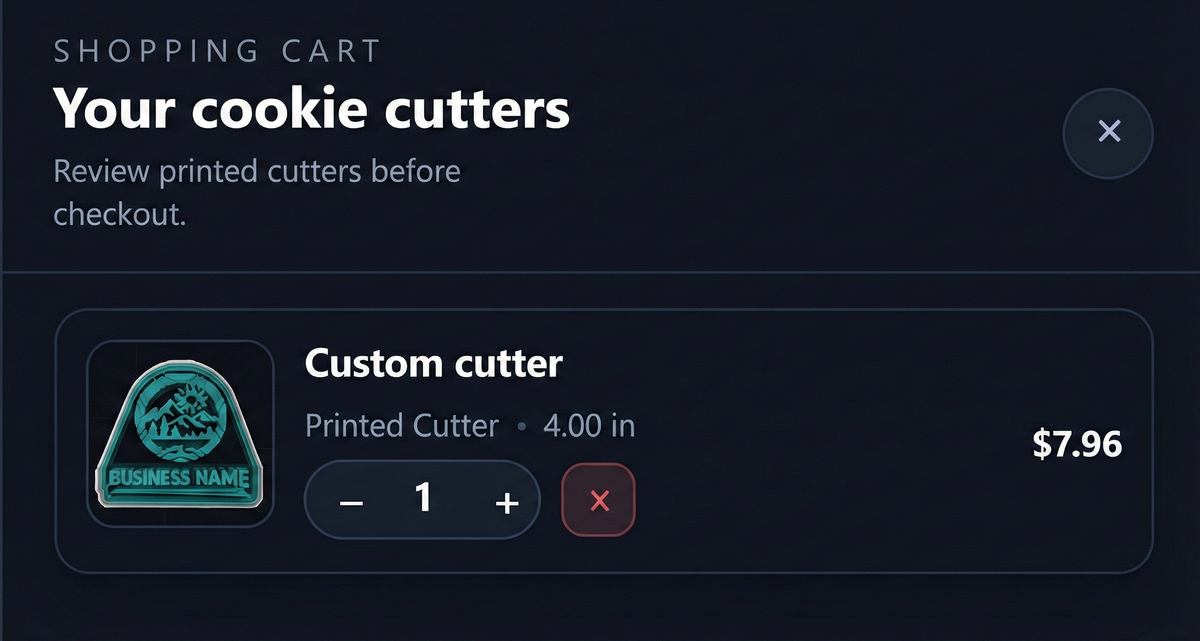
Custom design service
Send us your art, logo, or design concept and we'll handle the setup. Perfect for bakery branding, logo cookie cutters, custom stamps, embossers, or complex designs. We'll send back ready-to-print files or finished 3D-printed tools.
Custom design fees start at just $5 per design.
- Logo cookie cutters and stamps for bakeries and brands
- Custom embossers, debossers, and fondant stamps
- Royal icing and airbrush stencils
- Every order includes the printed tool and the STL file
Contact us at support@cookiecuttercreator.com for more info.
FAQ
What's the best logo file to start with?
SVG is ideal. If you're using an image, pick a high-resolution PNG with a simple background and strong contrast.
What size should a logo cookie cutter be?
Most logos look best around 3 to 4 inches wide. If your logo has tiny text or thin lines, bump the size up until it reads clearly in the 3D preview.
How do I keep thin lines and small text from breaking?
Thicken delicate strokes, simplify tiny details, and avoid hairline gaps. If needed, choose a stamp or stencil style instead of a cutter so fine features stay supported.
Can I download an STL and also order printed tools?
Yes. You can export STL files for your own printer, or order printed tools shipped to you (STL included).
Next up
-
How to paste an image and turn it into a cookie cutter
Copy-paste an image, trace it cleanly, and prep it for cutters or stamps.
-
How to adjust layer widths & heights (Walls & Heights panel)
Dial in wall and rim widths so cutters stay strong and release cleanly.